
A reversing camera is useful only when it shows the area the driver needs to judge. For a truck, that means planning the view around the body, trailer and loading task before choosing a monitor or adding more cameras.
27 October 2026 · CAMEKO / HEMAK
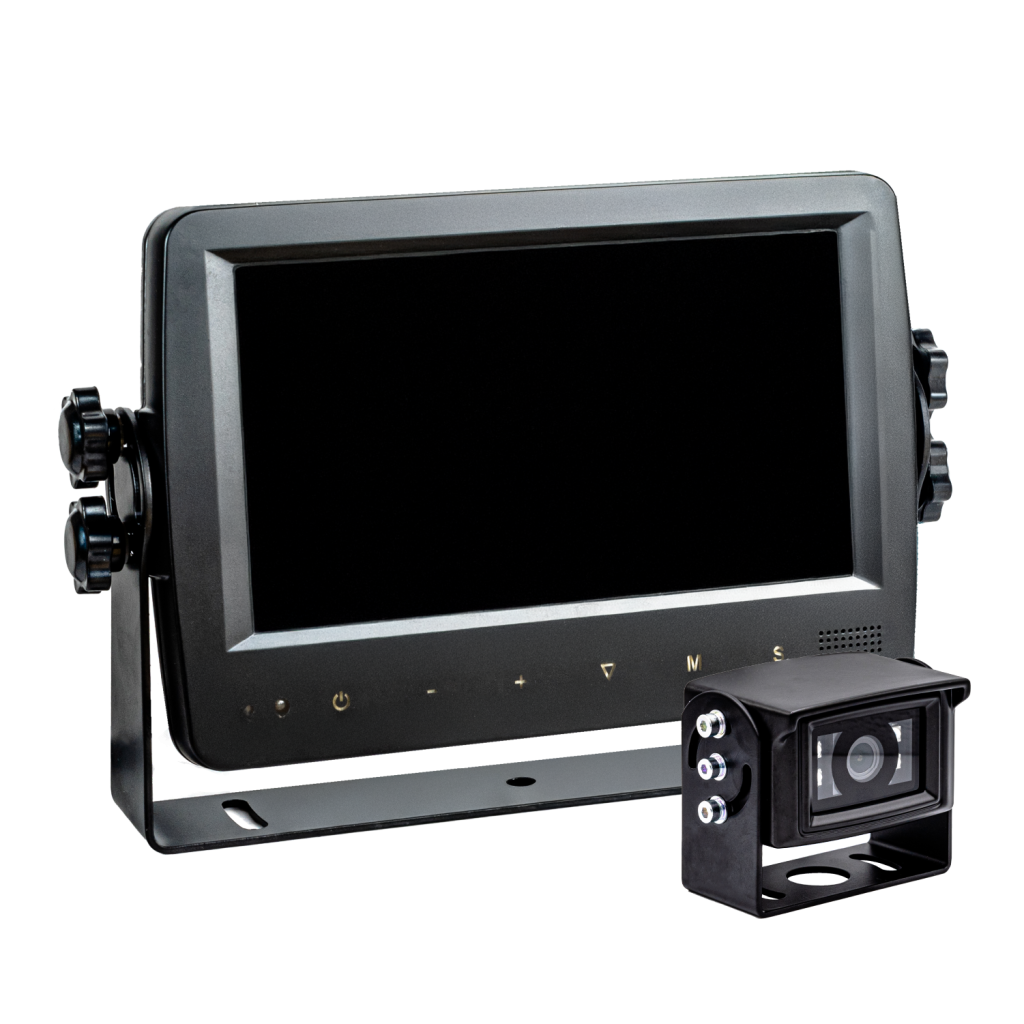
CAMEKO product image. Equipment and configuration depend on the selected version.
List the situations in which the view is restricted: approaching a loading bay, reversing beside a building, turning with a trailer or working around a raised body. A rear camera, side camera and load-view camera answer different questions. Mark the area to be seen in each situation and the obstacles that could hide it.
These are planning examples rather than claims about an installation on every truck. Vehicle dimensions, bodywork and operating conditions determine which arrangement is suitable.
Assess mounting height, field of view and protection from impacts. A high rear position may show a useful approach view, but the body, overhang or trailer can still hide objects close to the vehicle. Check the image with the actual vehicle and representative loads instead of assuming that a wide-angle lens removes every blind spot.
On an articulated combination, plan the connection between tractor and trailer, cable movement and a reliable way to disconnect the equipment. Keep wiring away from moving parts and assess connectors, supply voltage and protection with the installer. This guide is a selection checklist, not a wiring instruction.
CAMEKO MASTER provides live visual assistance without DVR recording or GPS. It is the starting point when the driver needs a camera image while manoeuvring and stored video is not required. CAMEKO DVR adds video recording and GPS functions for a compatible vehicle configuration.
Decide separately whether you need to see a manoeuvre now or review it later. Confirm supported camera channels, storage and playback for the proposed model. An image on a monitor does not by itself prove that footage is being saved. For more detail, read our guide to vehicle DVR recording.
Place the monitor where the driver can read it without obstructing the normal view or vehicle controls. Assess screen visibility, image orientation and how the required camera view will be selected. Confirm any reversing-trigger behaviour against the actual equipment rather than assuming it is included.
Allow for dirt, glare, low light, vibration and access for cleaning the lens. Test the finished view in the places where the truck normally operates. Camera assistance supports an attentive driver; it does not replace mirrors, a site traffic plan or a suitable manoeuvring procedure.
At a loading bay: the driver needs to judge the approach to the ramp and see the area behind the vehicle. Assess the position of the rear camera with the doors, tail lift and normal load in their working positions. A picture that looks clear on an empty vehicle may change when equipment or goods obstruct the view.
With interchangeable trailers: specify the camera connection, cable movement and the views required on each combination. In a busy yard: map the side areas and turning path separately from the rear view. These are model scenarios for planning a proposal, not claims about a completed installation or guaranteed detection.
Buying the widest available lens without checking the task can produce an overview in which important objects are too small. Selecting a monitor before deciding which views the driver needs can also leave the operator switching between unsuitable images. Start with the required scene, then assess the camera, screen and mounting position together.
Another mistake is treating an image on screen as proof of recording, or assuming that every camera view automatically appears when reverse is selected. Put these functions in the specification and demonstrate them on the chosen equipment. Avoid routing cables through an articulation point without an assessed flexible connection.
Repeat the view check when the bodywork, trailer arrangement or working process changes. A clean lens and a familiar operating procedure matter as much as the initial camera choice. If a fault appears, follow the equipment instructions and the site’s normal safety procedure.
Send the vehicle and trailer type, photographs of possible mounting positions, the restricted views and whether you need recording. Include the expected cable routes and whether trailers are changed. This lets HEMAK compare a live-view configuration with a recording system without promising compatibility before the vehicle has been assessed.
If the loading process also involves weight checks, HEMAK weighing solutions address that separate requirement. Camera visibility and weighing should be specified as distinct functions.
| Situation | Information required | Check before selection |
|---|---|---|
| Loading ramp | Approach and area behind the body | Doors, tail lift and close obstructions |
| Trailer combination | Useful view on each combination | Connections and cable movement |
| Incident review | Stored footage and playback | DVR, storage and clip export |
No. Live viewing and recording are separate functions. CAMEKO MASTER has no DVR recording; assess CAMEKO DVR when stored footage is required.
The vehicle must first be checked for mounting space, electrical supply, cable routes and compatible camera connections.
Do not assume that it will. Bodywork, the trailer and the camera position can hide parts of the surroundings; check the coverage on the actual vehicle.
No. A wider image can make distant objects appear smaller. Select the view for the manoeuvre and check useful detail on the actual monitor.
That depends on the selected equipment, vehicle signals and installation. Confirm and test the required switching behaviour in the proposed configuration.
Assess each trailer combination. Connections, cable movement, camera position and the required views may differ.
Check the real image in the expected site lighting, including glare and reflections. Do not assume that a daytime demonstration establishes night-time performance.
No. It provides additional visual information. Keep the vehicle’s required visibility equipment and follow the site’s manoeuvring rules.
Compare the functions you need. We will confirm the right configuration for your vehicle or site.
Live visual assistance for trucks and machinery, without DVR recording or GPS.
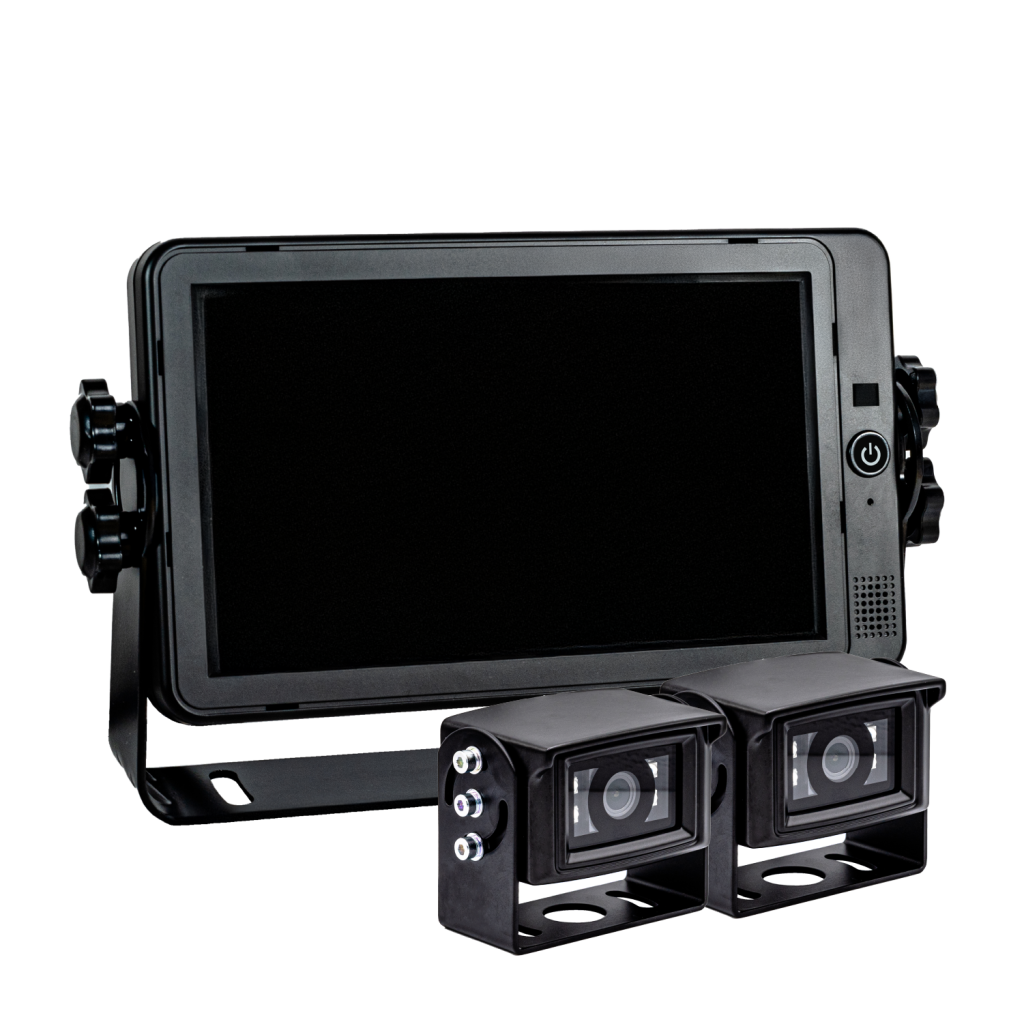
A vehicle camera system to assess when live viewing, stored video and GPS functions are required.


