
A forklift camera can show the area behind a truck. An AI pedestrian detection system adds a different function: it can warn the operator when it recognises a person in a configured detection area. Choosing between the two starts with the task, not the number of cameras.
26 October 2026 · CAMEKO / HEMAK
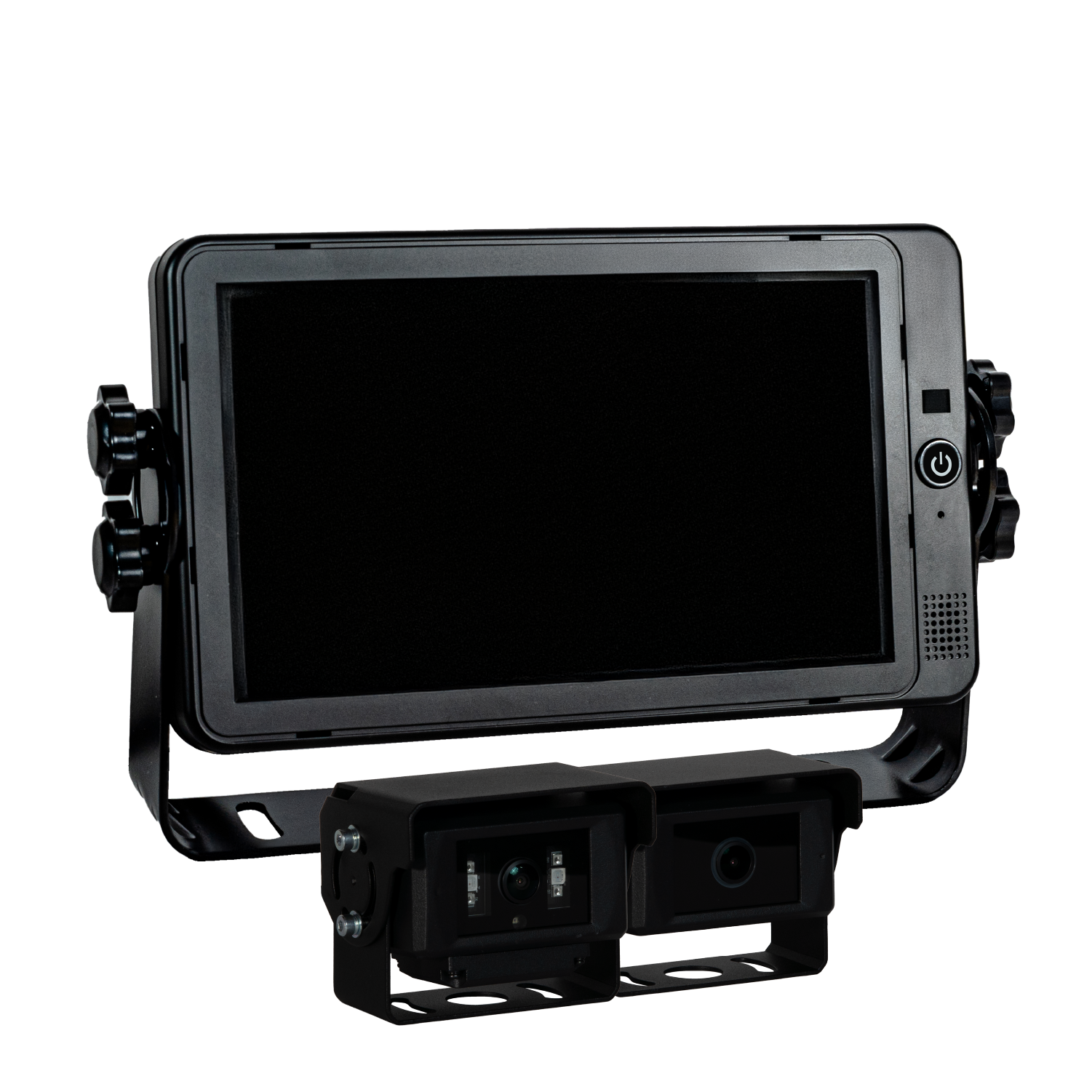
Typical situations include reversing out of a warehouse aisle, travelling past loading bays and manoeuvring where a load restricts the driver’s view. A rear camera and a camera aimed at the forks solve different visibility problems. An image of the forks is useful for load handling; it does not automatically provide pedestrian detection behind the vehicle.
Start by marking the places where people and trucks share space. Note the direction of travel, parked loads and blind corners. This is a planning example, not a report of a specific customer installation.
A camera supplies images to a compatible detection system. The system analyses the scene and, when a person is detected within its configured area, can trigger a visual or audible warning. The available warnings and detection settings depend on the selected CAMEKO model and configuration.
Detection is different from recording. An alarm helps the driver respond to a situation now. DVR recording stores video for later review. One function does not imply the other, and neither should be assumed from the word “AI” alone.
The right combination depends on the vehicle, operating area and required functions. Confirm the specific camera compatibility and warning options before ordering.
Camera assistance does not replace the operator’s attention, traffic separation or site procedures. Do not assume automatic braking or guaranteed detection: these must be explicitly confirmed for a particular system.
A standard camera displays an image. Detection requires a compatible AI system; it is a separate function.
CAMEKO AI is for live viewing and AI assistance. Choose an appropriate DVR model if recording is required.
Assess the individual vehicle first. Mounting, electrical supply and required coverage must be checked before confirming compatibility.
A camera helps the operator see around a forklift; weighing requires separate equipment. If your warehouse also needs load weighing, explore HEMAK industrial weighing and automation. The suitability of fitting both systems must be assessed for the specific vehicle.
Explore another camera function before choosing your system.
What does a 360° camera system show around an excavator or machine? Learn about surround view, blind spots, installation and the difference from AI detection.
Live viewing, AI alerts or stored video? Understand vehicle DVR recording and choose the right CAMEKO functions for trucks, machinery and fleet operations.


