
PoE can carry network data and electrical power to a compatible camera over the same cable. A useful site system still needs a clear viewing task, suitable cabling and an NVR chosen for the cameras and the required recording.
27 October 2026 · CAMEKO / HEMAK
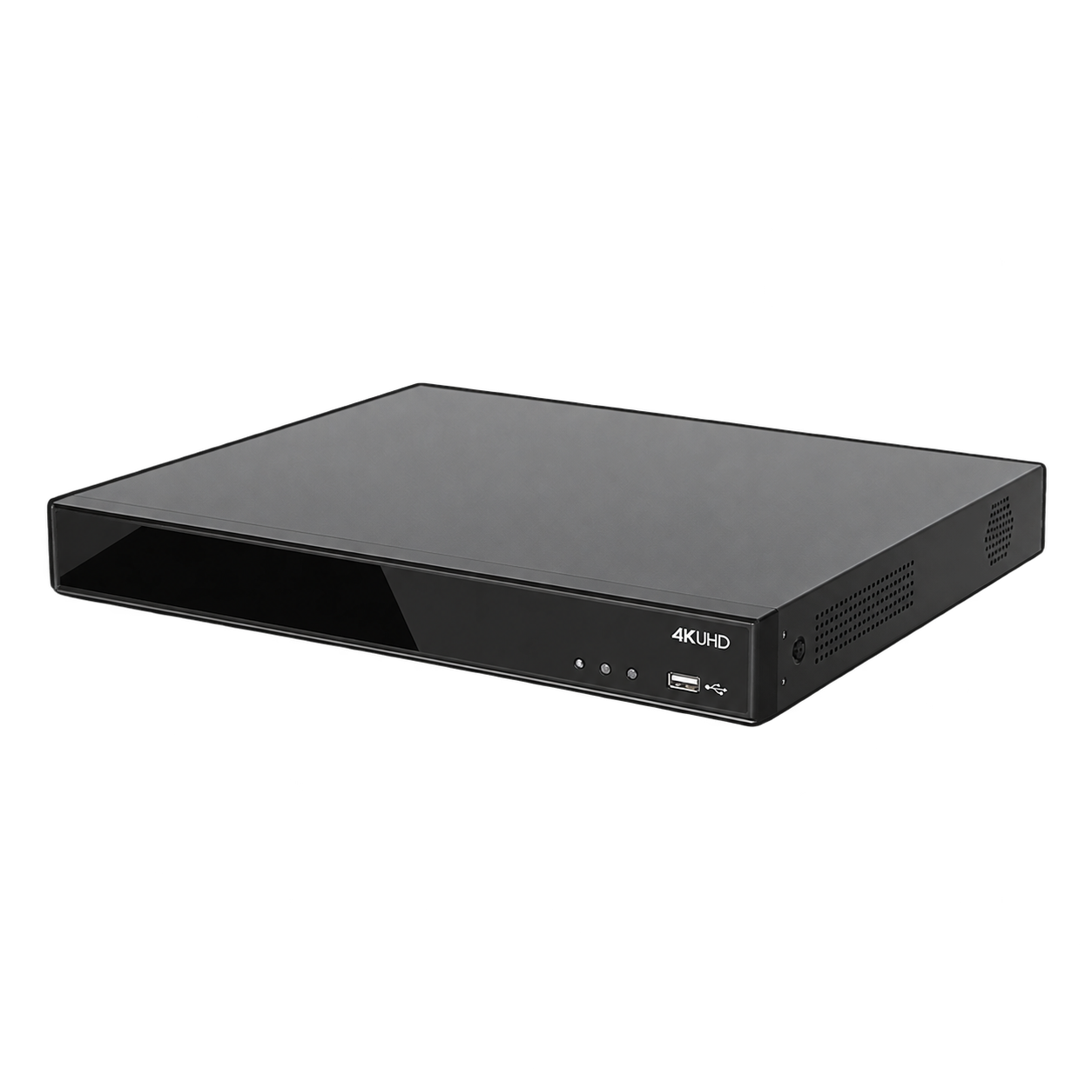
CAMEKO product image. Equipment and configuration depend on the selected version.
Separate an overview of a warehouse aisle from a detailed view of an entrance or loading ramp. The useful image depends on distance, the lens, mounting height, lighting and obstacles such as stored goods. Start with a simple site plan and mark the scene required from each camera.
CAMEKO AI Mini Bullet Camera is a compact option to assess for buildings, warehouses, site routes and entrances. Its event functions and local recording depend on the selected version, firmware and configuration. A general overview camera should not automatically be treated as a number plate identification camera.
A PoE installation needs compatible equipment at both ends. Check the camera’s required PoE standard and consumption against the NVR or switch specification. The number of sockets alone does not confirm that the equipment can power every connected camera at once.
Allow for the power required by the chosen cameras in their actual operating modes. If an external PoE switch is used, confirm how it connects to the recorder and how the cameras will be addressed and managed. Do not assume that any network socket supplies PoE or that passive PoE is interchangeable with a negotiated standard.
Assess the real cable route, accessible service points and protection from physical damage and the environment. Confirm permitted lengths and suitable cable, connectors and protective measures for the proposed equipment. For longer routes or separate buildings, ask the installer to design an appropriate network connection rather than extending a cable by guesswork.
Place the recorder in a suitable, accessible location and plan its power supply and network connection. Where recording during a power interruption matters, specify backup power as a separate project requirement and verify the complete load. PoE itself does not provide backup power.
CAMEKO NVR PoE is offered with 8 or 16 camera channels and corresponding PoE connections. Compare the chosen version with the camera count, incoming data rate, supported video modes and storage requirement. AI and VCA event handling requires compatible cameras and configuration.
Recording retention is not a fixed number of days supplied by the recorder name. Resolution, frame rate, compression, bit rate, recording schedule and usable disk space all affect it. Read our NVR and recording retention guide before specifying an archive period.
Warehouse aisle: plan for changing rack heights and goods that can hide the view. Loading ramp: assess the difference between a general overview and the detail needed to review an event. Site entrance: establish whether the task is to observe traffic or identify a number plate; these are different image requirements.
A single lens and mounting position will not automatically solve all three tasks. Provide a site sketch and a description of the expected scene for each position. These examples illustrate planning questions and do not represent a documented customer installation.
Counting PoE ports without checking the supplying equipment’s total power budget can leave the electrical design incomplete. Planning from straight-line distances instead of real cable routes can miss risers, protected passages and service access. Treat the network, power and physical installation as one coordinated design.
Do not specify an archive period from disk capacity alone or assume that a displayed AI event will also be stored and searchable on any NVR. Confirm video, event and recording compatibility for the exact versions. Network access and user permissions should be configured for the intended operators rather than left as an afterthought.
Arrange a review after racks, access lanes or lighting change. Check whether the required scene is still visible and whether a sample recording can be retrieved. The appropriate inspection routine depends on the equipment instructions and the way the site is used.
Check the live image, recorded playback, time settings, event behaviour and export of a sample clip. Confirm that the intended scene is visible in daytime and in the expected night lighting. Recheck views after changes to racking, stored goods or access routes.
Send HEMAK a site plan, camera positions, cable-route lengths and the required recording period. If vehicle identification must be associated with weighing, SCALIS integration is a separate, project-specific requirement using compatible equipment and interfaces. This guide describes model uses, not a completed customer installation.
| Requirement | What it answers | What to verify |
|---|---|---|
| PoE power | How a compatible camera is supplied | Standard, consumption and total budget |
| Live view | What the operator can see now | Scene, lens, lighting and monitor |
| Recording | What can be reviewed later | NVR compatibility, settings and storage |
| AI events | Which events can be used | Camera, firmware, configuration and NVR support |
A compatible PoE camera can receive power and network data over one suitable Ethernet connection. Verify the camera and supplying equipment specifications.
Do not assume full compatibility. Check video, recording, event functions, PoE and firmware for the exact camera and recorder combination.
No. Retention depends on the recording settings and usable storage. PoE describes a method of supplying power over the network connection.
PoE is a way of supplying power, not a backup source. If continuity is required, assess backup power for the complete camera, network and recorder arrangement.
Only within the limits of the chosen design. Check free channels, data throughput, PoE capacity, network connections and storage before adding cameras.
No. Identification depends on the task, viewing geometry, lighting and the selected camera. Assess a dedicated LPR solution where plate recognition is required.
Calculate this from the number of cameras, recording settings, usable storage and recording schedule. Confirm the result for the proposed configuration.
Send a site plan, camera purposes and positions, actual cable routes, lighting conditions, required recording period and any existing network or integration requirements.
Compare the functions you need. We will confirm the right configuration for your vehicle or site.
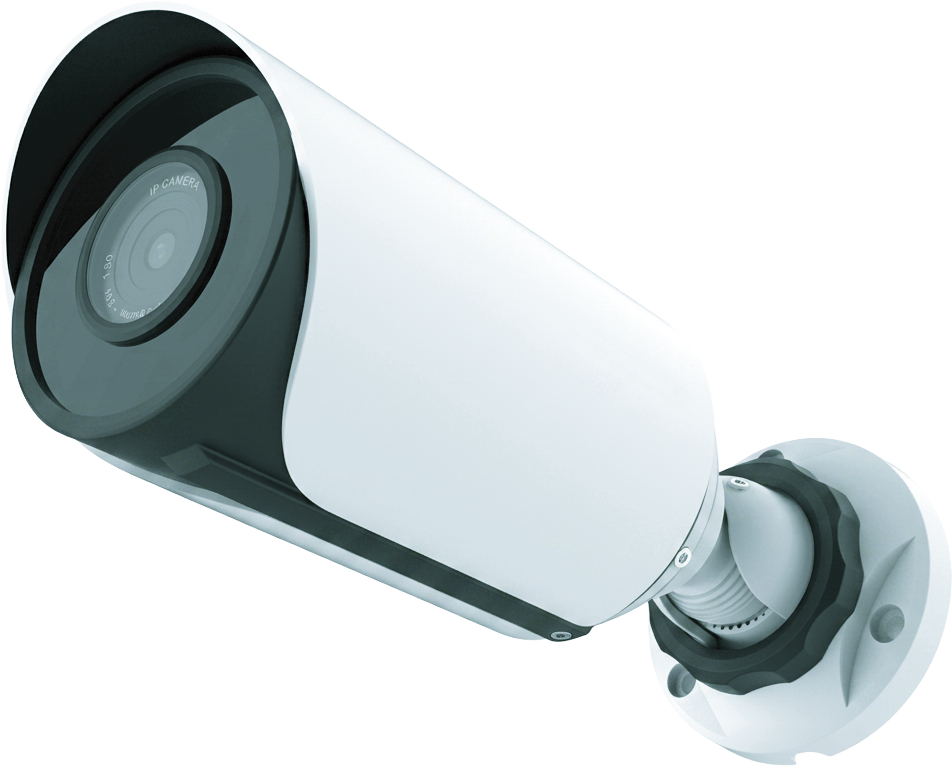
A compact camera to assess for warehouse entrances, building facades and site routes; functions depend on the chosen version.
A recorder with PoE connections for central live viewing, recording, playback and supported camera events.


