
A live camera view answers what is happening now. An NVR stores supported IP camera video for later review. Choosing the recorder starts with the number of cameras, their data rate and the recording you need to keep, rather than the hard-drive capacity alone.
26 October 2026 · CAMEKO / HEMAK
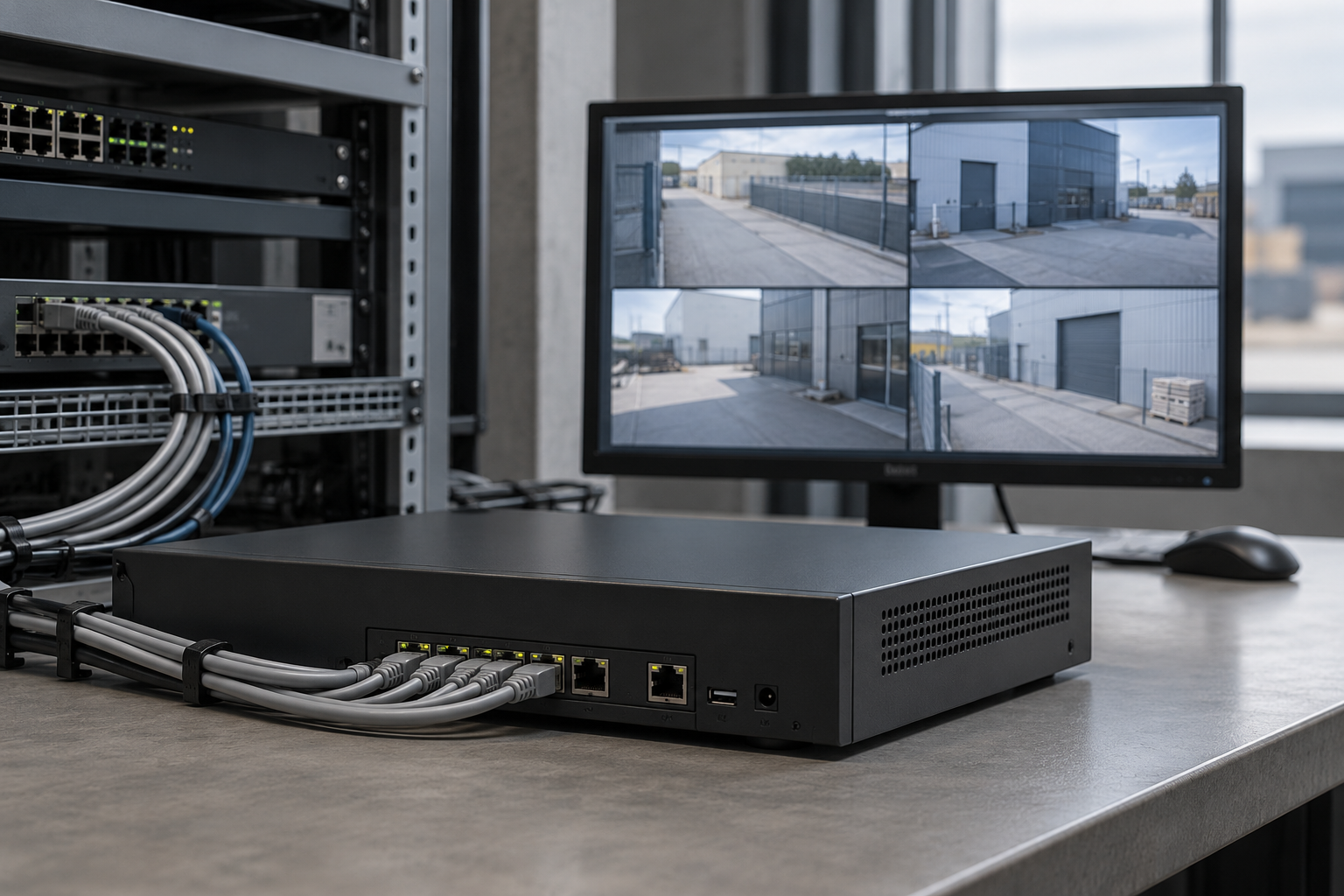
AI-generated illustration. Model situation, not a customer installation or an exact product photograph.
An NVR receives video from compatible network cameras and provides recording, playback and incident export. Depending on the selected configuration, recording can run to a schedule or be triggered by supported events. Live viewing and stored video should be specified separately.
CAMEKO NVR PoE lists live viewing, scheduled and event recording, playback, searching and export. AI or VCA event management requires compatible cameras, firmware and settings. A recorder does not add every AI function to every connected camera.
A camera channel is an input the recorder can manage. A PoE port can supply power and network connectivity to a compatible camera through suitable Ethernet cabling. The channel count, available PoE ports, power budget and network throughput must all fit the proposed installation.
CAMEKO NVR PoE is offered in versions with 8 or 16 camera channels and corresponding PoE ports. Confirm the exact version and connected equipment. Leave space in the design for realistic expansion, and check that the combined camera stream rate fits the recorder and network.
Retention depends on installed usable storage, camera count, resolution, frame rate, compression and recording activity. The same drive capacity can keep very different periods of video in different systems. A maximum gross capacity specification is therefore not a guaranteed number of recording days.
Define the required archive first, then size the storage against the planned streams and recording mode. Event-only recording may reduce stored data, but the result depends on the actual scene and event settings. Check the real system after commissioning rather than relying on a generic retention promise.
Think about who will search recordings and which events need exporting. Test that a useful sequence can be found, played and exported from the intended operator workstation. Establish access responsibilities and the site’s recording policy before the system goes into daily operation.
Also confirm what happens during a network or power interruption. Camera-side recording and recovery functions such as ANR require supported equipment and configuration; they should not be assumed for every camera. A separate backup recorder or another resilience design must be specified when the project requires it.
No. The recorder or PoE equipment still needs a suitable electrical supply; PoE carries power to compatible cameras over network cable.
Check compatibility and the functions required. Basic video interoperability does not automatically confirm every event or analytics feature.
Camera count and models, planned recording modes, target retention, the network arrangement and the people who need access to playback.
Explore more CAMEKO AREA functions before planning your installation.
How number plate recognition helps manage industrial entrances, parking and weighbridges. Learn what to check before choosing a CAMEKO AREA LPR camera.
Where PTZ cameras help monitor industrial sites, how presets and tracking work, and why fixed overview cameras still matter. A practical CAMEKO AREA guide.


